
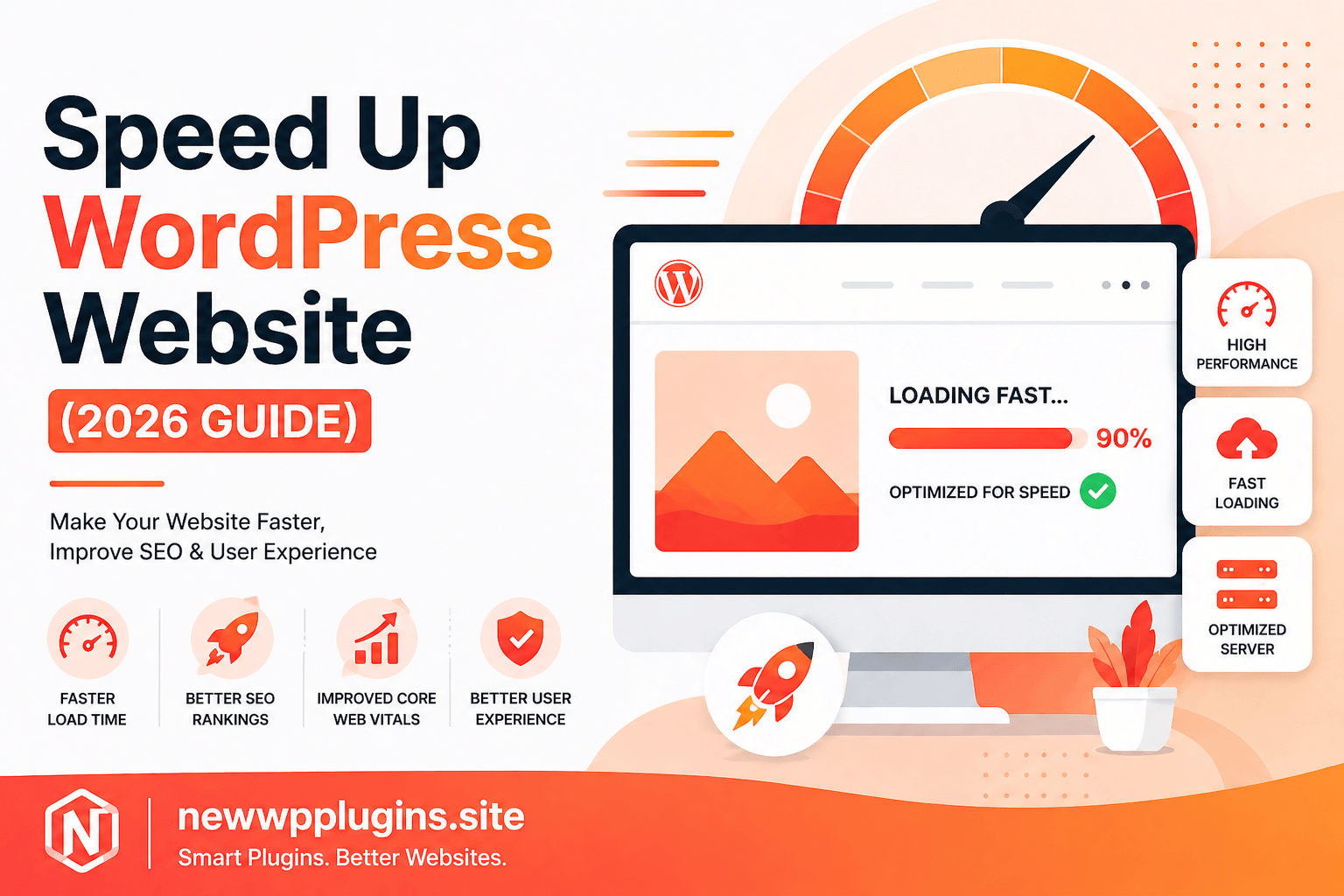
Website speed is no longer optional in 2026. A slow-loading WordPress website can negatively impact your rankings, user experience, and conversions.
Google now prioritizes performance metrics like Core Web Vitals, making speed optimization one of the most important aspects of SEO.
In this step-by-step guide on https://newwpplugins.site, you’ll learn exactly how to speed up your WordPress website using proven methods, tools, and plugins.
Why Website Speed Matters
Before jumping into the steps, let’s understand why speed is critical:
- Faster websites rank higher on Google
- Better user experience reduces bounce rate
- Higher conversion rates
- Improved Core Web Vitals scores
If your website takes more than 3 seconds to load, you are already losing visitors.
Step 1: Use a Cache Plugin
Caching is the most effective way to improve website speed.
A cache plugin stores a static version of your website, reducing the need to load heavy scripts every time.
Recommended Cache Plugins
- WP Rocket
- LiteSpeed Cache
- W3 Total Cache
👉 Read full guide:
Best Cache Plugins for WordPress (2026 Guide)
What It Improves
- Page load time
- Server performance
- Time to First Byte (TTFB)
Step 2: Optimize Images
Images are one of the biggest causes of slow websites.
Large, uncompressed images can significantly increase load time.
Best Image Optimization Plugins
- Smush
- ShortPixel
- Imagify
👉 Detailed guide:
Best Image Optimization Plugins for WordPress (2026 Guide)
Best Practices
- Use WebP format
- Compress images before upload
- Enable lazy loading
Step 3: Enable a Content Delivery Network (CDN)
A CDN stores your website content on multiple servers worldwide.
This helps users load your site faster from the nearest server.
Popular CDN Options
- Cloudflare
- BunnyCDN
Benefits
- Faster global loading
- Reduced server load
- Improved security
Step 4: Minify CSS, JavaScript, and HTML
Minification removes unnecessary characters from your code.
This reduces file size and improves loading speed.
What to Minify
- CSS files
- JavaScript files
- HTML
Most cache plugins already include this feature.
Step 5: Optimize Core Web Vitals
Core Web Vitals are key ranking factors.
Important Metrics
- LCP (Largest Contentful Paint)
- CLS (Cumulative Layout Shift)
- INP (Interaction to Next Paint)
👉 Complete guide:
Core Web Vitals for WordPress – Improve LCP, CLS & INP
Step 6: Use a Lightweight Theme
Heavy themes can slow down your website.
Recommended Themes
- Astra
- GeneratePress
These themes are optimized for speed and performance.
Step 7: Reduce Plugin Usage
Too many plugins can slow down your website.
What You Should Do
- Delete unused plugins
- Avoid duplicate functionality
- Use lightweight plugins
Step 8: Optimize Database
Over time, your WordPress database collects unnecessary data.
What to Clean
- Post revisions
- Spam comments
- Transients
Use optimization tools inside cache plugins or database plugins.
Step 9: Enable GZIP Compression
GZIP compression reduces file size before sending it to the browser.
This improves loading speed significantly.
Most hosting providers already support this.
Step 10: Choose Fast Hosting
Your hosting provider plays a major role in performance.
Look For
- SSD storage
- LiteSpeed servers
- Good uptime
Avoid cheap hosting if you want better speed.
To further improve your website, check these guides:
- On-Page SEO Checklist for WordPress (2026) Rank Faster
- Best WordPress Backup Plugins (2026 Guide)
- Top 10 Best Security Plugins for WordPress) – Complete Guide 2026
Common Mistakes to Avoid
- Using too many heavy plugins
- Uploading large images
- Ignoring Core Web Vitals
- Not using caching
- Choosing poor hosting
Frequently Asked Questions
How can I make my WordPress site faster?
Use caching, optimize images, enable CDN, and choose fast hosting.
Which plugin is best for speed optimization?
WP Rocket is one of the best premium options, while LiteSpeed Cache is a strong free alternative.
Does website speed affect SEO?
Yes, faster websites rank higher in Google.
Conclusion
Improving your WordPress website speed is essential for SEO and user experience in 2026.
Start with caching and image optimization, then move to advanced techniques like CDN and Core Web Vitals optimization.
By following this guide, you can significantly improve your website performance.
For more WordPress tutorials and plugin guides, visit:
👉 https://newwpplugins.site