

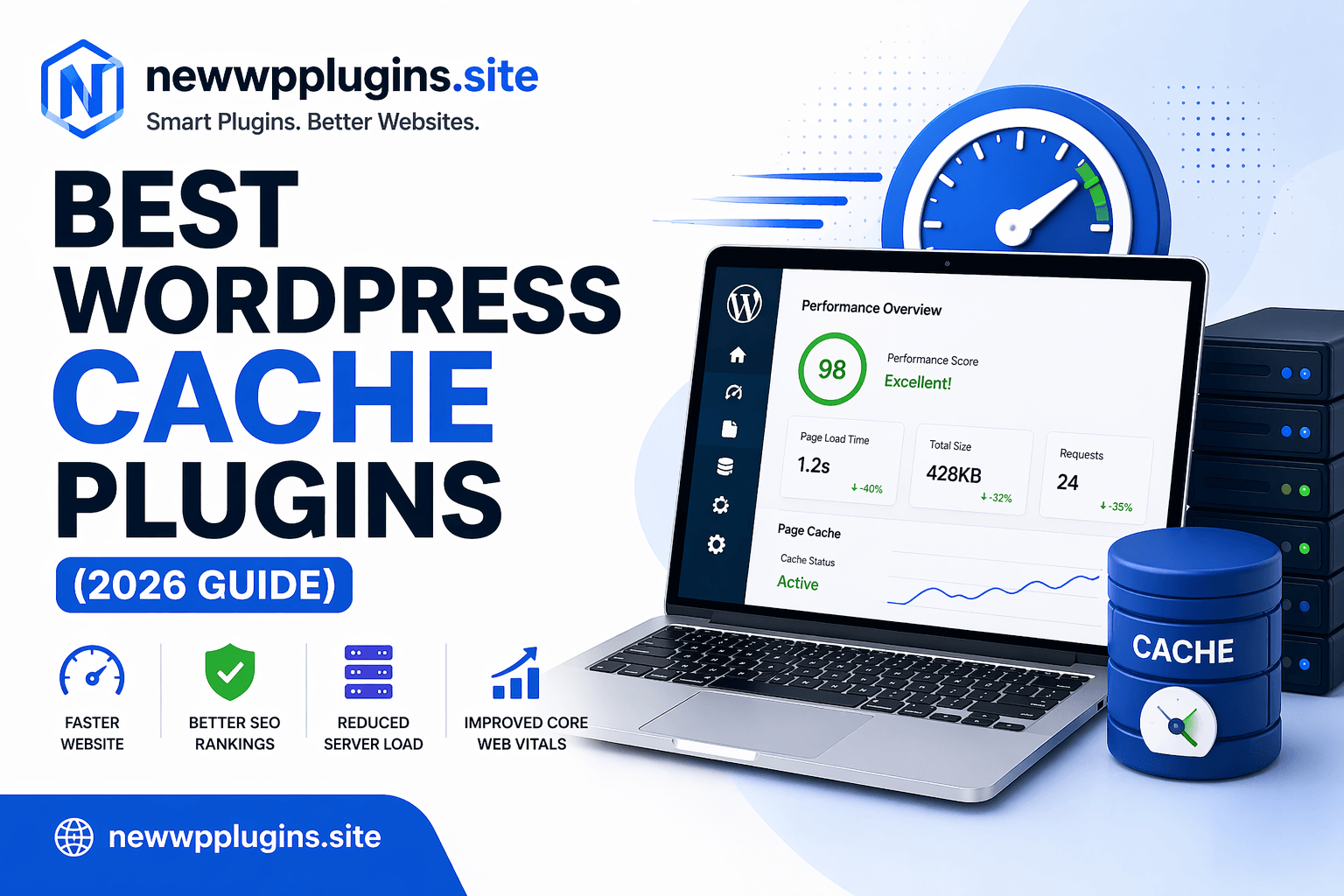
Website speed has become one of the most important ranking and user experience factors for WordPress websites. Whether you run a blog, business website, affiliate project, online store, or portfolio, visitors expect pages to load quickly. If your website feels slow, users often leave before they even begin reading your content, which can increase bounce rates and reduce conversions.
Many website owners spend countless hours creating content, improving SEO, and building backlinks while overlooking one simple factor that can dramatically improve website performance: caching.
A good cache plugin can transform a slow WordPress website into a fast and responsive experience without requiring advanced technical knowledge. In fact, installing the right cache plugin is often one of the fastest ways to improve website speed, Core Web Vitals, and overall user satisfaction.
In this complete 2026 guide, we’ll explore the best cache plugins available for WordPress, compare their strengths, discuss which type of website they work best for, and help you choose the right solution for your needs.
Why Caching Matters for WordPress
Every time someone visits a WordPress page, the server must process PHP code, query the database, load plugins, generate content, and assemble the final page before delivering it to the visitor. This process happens repeatedly for every visitor and can place a significant load on your server.
Caching solves this problem by creating a pre-generated version of your pages and serving that version directly to visitors. Instead of rebuilding the page every single time, WordPress can simply deliver the cached copy.
The result is:
- Faster page load times
- Lower server usage
- Better user experience
- Improved Core Web Vitals
- Reduced bounce rates
- Better SEO performance
Because website speed directly impacts rankings and user satisfaction, caching has become an essential part of WordPress optimization.
How Cache Plugins Improve SEO
Search engines increasingly prioritize user experience. Faster websites tend to perform better because visitors stay longer, engage more, and encounter fewer frustrations. While cache plugins themselves are not a direct ranking factor, the performance improvements they provide can positively affect several SEO-related metrics.
A faster website often leads to:
- Better Core Web Vitals
- Improved mobile experience
- Lower bounce rates
- Higher engagement
- Better crawl efficiency
This is why speed optimization has become such an important part of modern SEO strategies.
If you’re serious about rankings, you should also read:
- Core Web Vitals for WordPress – Improve LCP, CLS & INP
- On-Page SEO Checklist for WordPress (2026) – Rank Faster
- LiteSpeed Cache Settings for WordPress (Fast Speed Guide)
These guides work together with caching to create a stronger SEO foundation.
WP Rocket – The Premium Performance Leader
One of the most popular premium cache plugins available today is WP Rocket.
WP Rocket has built a strong reputation because it focuses on simplicity. Unlike some optimization plugins that require extensive configuration, WP Rocket works effectively immediately after activation.
The plugin includes:
- Page caching
- Browser caching
- Lazy loading
- CSS optimization
- JavaScript optimization
- Database cleanup
- CDN integration
Many website owners appreciate WP Rocket because it balances performance improvements with ease of use. For beginners who want a straightforward solution and do not mind paying for a premium plugin, WP Rocket is often considered one of the best choices available.
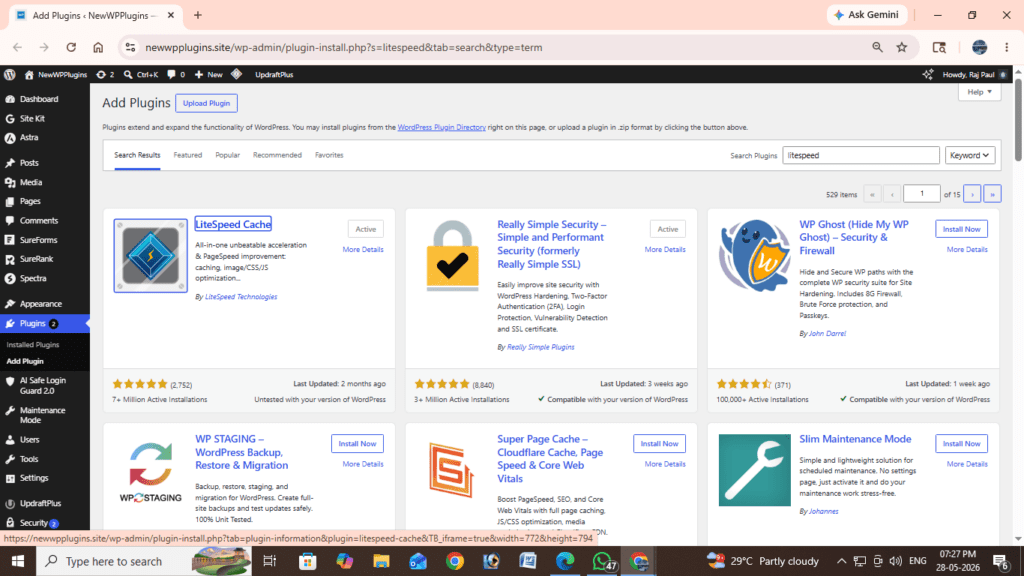
LiteSpeed Cache – The Best Free Option
When discussing free caching solutions, LiteSpeed Cache consistently ranks among the top recommendations. LiteSpeed Cache offers a surprisingly large collection of optimization tools completely free.
Features include:
- Page caching
- CSS optimization
- JavaScript optimization
- Image optimization
- Lazy loading
- Database optimization
- CDN integration
Many WordPress users choose LiteSpeed Cache because it provides premium-level functionality without requiring a paid subscription. If your hosting provider uses LiteSpeed servers, the plugin becomes even more powerful. For website owners looking for a free option, LiteSpeed Cache remains one of the strongest choices in 2026.
For setup recommendations, you can also read:
LiteSpeed Cache Settings for WordPress (Fast Speed Guide)
W3 Total Cache – Advanced Performance Control
W3 Total Cache has been a well-known name in the WordPress optimization space for many years. Unlike beginner-focused solutions, W3 Total Cache is designed for users who want greater control over performance settings.
The plugin supports:
- Page caching
- Database caching
- Object caching
- Browser caching
- CDN integration
- Advanced performance configuration
While powerful, W3 Total Cache can feel overwhelming for beginners because of the large number of available options. However, for advanced users and developers who want precise optimization control, it remains a strong contender.
WP Super Cache – Lightweight and Reliable
Another long-standing option is WP Super Cache. Developed by the WordPress community, WP Super Cache focuses on generating static HTML files that can be delivered quickly to visitors.
Its strengths include:
- Simple setup
- Reliable performance
- Lightweight design
- Minimal server impact
For smaller websites and blogs, WP Super Cache continues to be a practical and stable solution.
FlyingPress – Modern Performance Optimization
In recent years, FlyingPress has gained popularity among performance-focused website owners.
FlyingPress combines:
- Caching
- Image optimization
- CSS optimization
- JavaScript optimization
- Core Web Vitals improvements
Its primary focus is helping websites achieve excellent PageSpeed and Core Web Vitals scores. Although it is a premium solution, many SEO professionals appreciate its modern optimization approach.
Which Cache Plugin Should You Choose?
Choosing the right cache plugin depends largely on your website type, budget, and technical comfort level. For beginners who want maximum simplicity, WP Rocket is often the easiest option. For website owners looking for a powerful free solution, LiteSpeed Cache is usually the strongest recommendation.
For advanced users who want granular control, W3 Total Cache remains a solid choice. For lightweight websites that simply need reliable caching, WP Super Cache continues to perform well. For users heavily focused on Core Web Vitals and performance optimization, FlyingPress offers a modern premium solution.
The most important thing is choosing one solution and configuring it properly rather than constantly switching between plugins.
Common Cache Plugin Mistakes
Many website owners unintentionally create problems by misusing caching plugins.
One of the most common mistakes is enabling every optimization setting immediately without testing the website. While some settings can improve performance, others may occasionally conflict with themes or plugins. Another mistake is ignoring image optimization. Caching helps performance, but oversized images can still slow down a website significantly. Many users also neglect mobile performance testing, even though mobile traffic often represents the majority of visitors.
Finally, some website owners attempt to use multiple cache plugins simultaneously. This is strongly discouraged.
Using multiple cache plugins can create:
- Configuration conflicts
- Broken layouts
- Performance issues
- Cache inconsistencies
Always use a single caching solution unless you have a specific advanced configuration planned.
Beyond Caching: Additional Speed Improvements
Caching alone will not solve every performance problem. To achieve the best results, combine caching with:
- Image optimization
- Lazy loading
- CDN integration
- Database cleanup
- Lightweight themes
- Plugin optimization
Frequently Asked Questions
Which cache plugin is best for beginners?
WP Rocket is often considered the easiest premium option because it requires minimal configuration while delivering strong performance improvements.
Which cache plugin is best for free?
LiteSpeed Cache remains one of the most powerful free caching solutions available for WordPress.
Do cache plugins improve SEO?
Yes, faster websites generally perform better in search engines because they improve user experience, Core Web Vitals, and engagement metrics.
Can I use multiple cache plugins?
No. Using multiple cache plugins can cause conflicts, instability, and inconsistent performance results.
Helpful Resources
You may also find these guides useful:
- Best WordPress Backup Plugins (2026 Guide)
- Top 10 Best Security Plugins for WordPress (2026)
- Best Image Optimization Plugins for WordPress (2026 Guide)
For more WordPress tutorials and plugin guides, visit:
Additional helpful resources:
Google PageSpeed Insights:
https://pagespeed.web.dev
Google Search Central:
https://developers.google.com/search
GTmetrix:
https://gtmetrix.com
Conclusion
Choosing the right cache plugin can significantly improve your website’s performance, user experience, and SEO potential. While every plugin discussed in this guide has its strengths, the best choice ultimately depends on your website requirements and technical preferences.
If you want a beginner-friendly premium solution with excellent results, choose WP Rocket.
If you’re looking for the strongest free option available, choose LiteSpeed Cache.
If you prefer advanced configuration and maximum control, choose W3 Total Cache.
Regardless of which plugin you select, implementing proper caching is one of the smartest performance improvements you can make for your WordPress website in 2026.
Great contents, appreciated.