
Free AI-Assisted WordPress Plugins
Explore highly optimized, specialized WordPress plugins developed with AI assistance and verified by human reviews. Enhance your site’s security, maintenance, and spam defense without bloat.
Optimized for WordPress core versions & popular themes
Featured WordPress Plugins
Lightweight single-purpose plugins engineered to enhance stability and optimize user experiences.
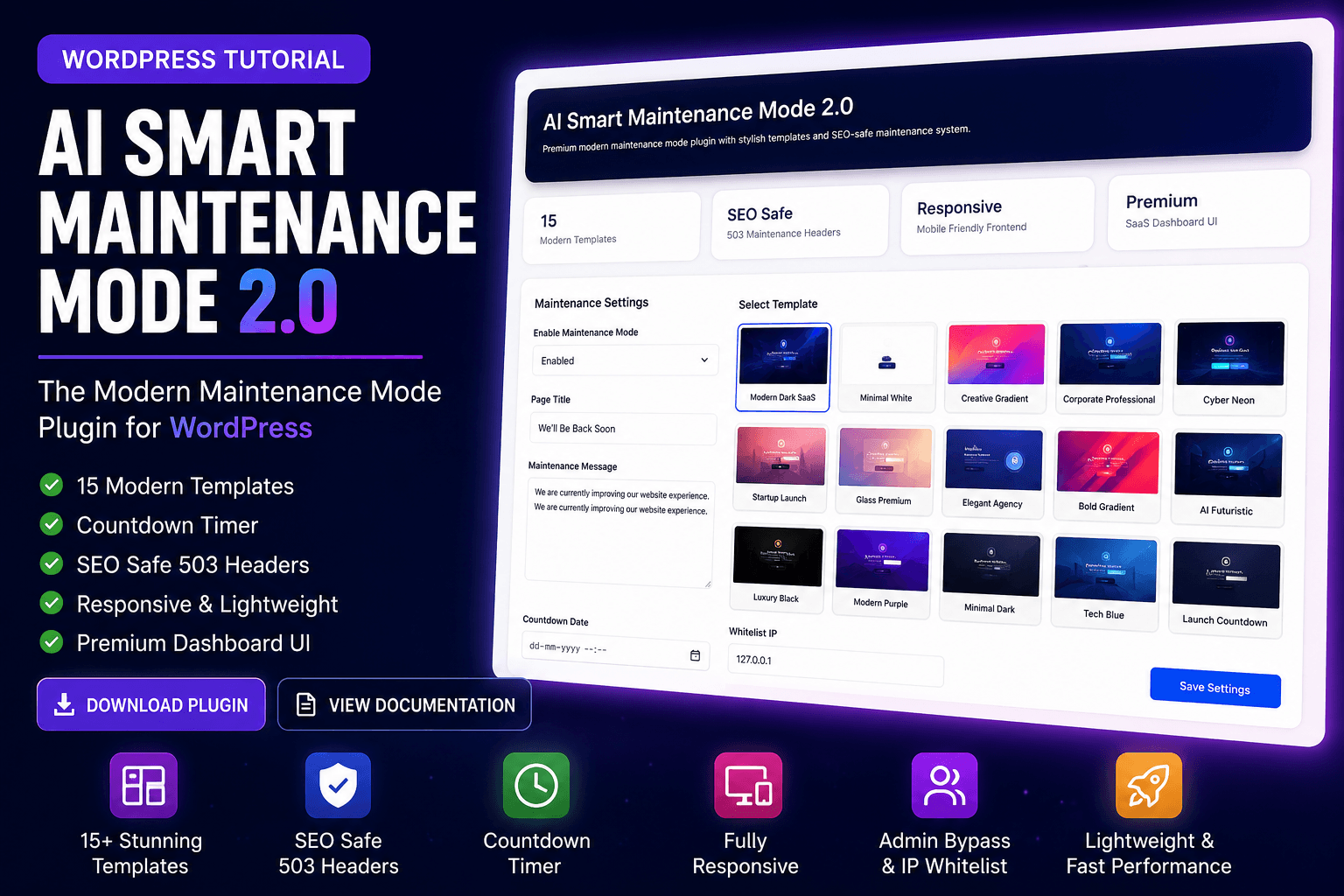 v2.0
v2.0AI Smart Maintenance Mode Plugin
A modern, lightweight maintenance mode plugin. Configure clean maintenance screens, customize visitor messages, and set up your website status effortlessly with AI assistance.
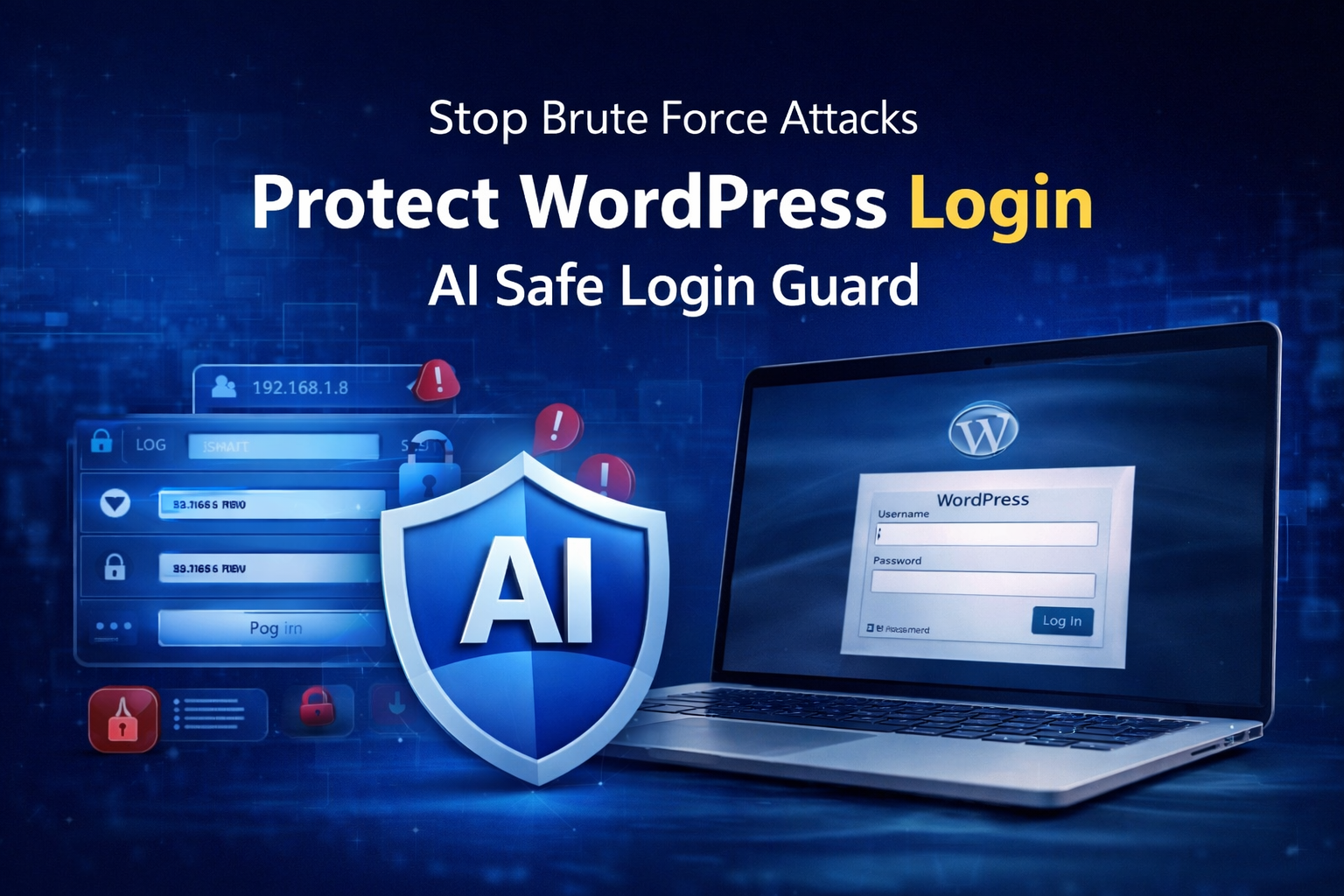 Active Guard
AI Safe Login Guard Plugin
Protect your WordPress login page against brute-force attacks. Features a custom login URL setting, basic security firewall options, and login rate limiting.
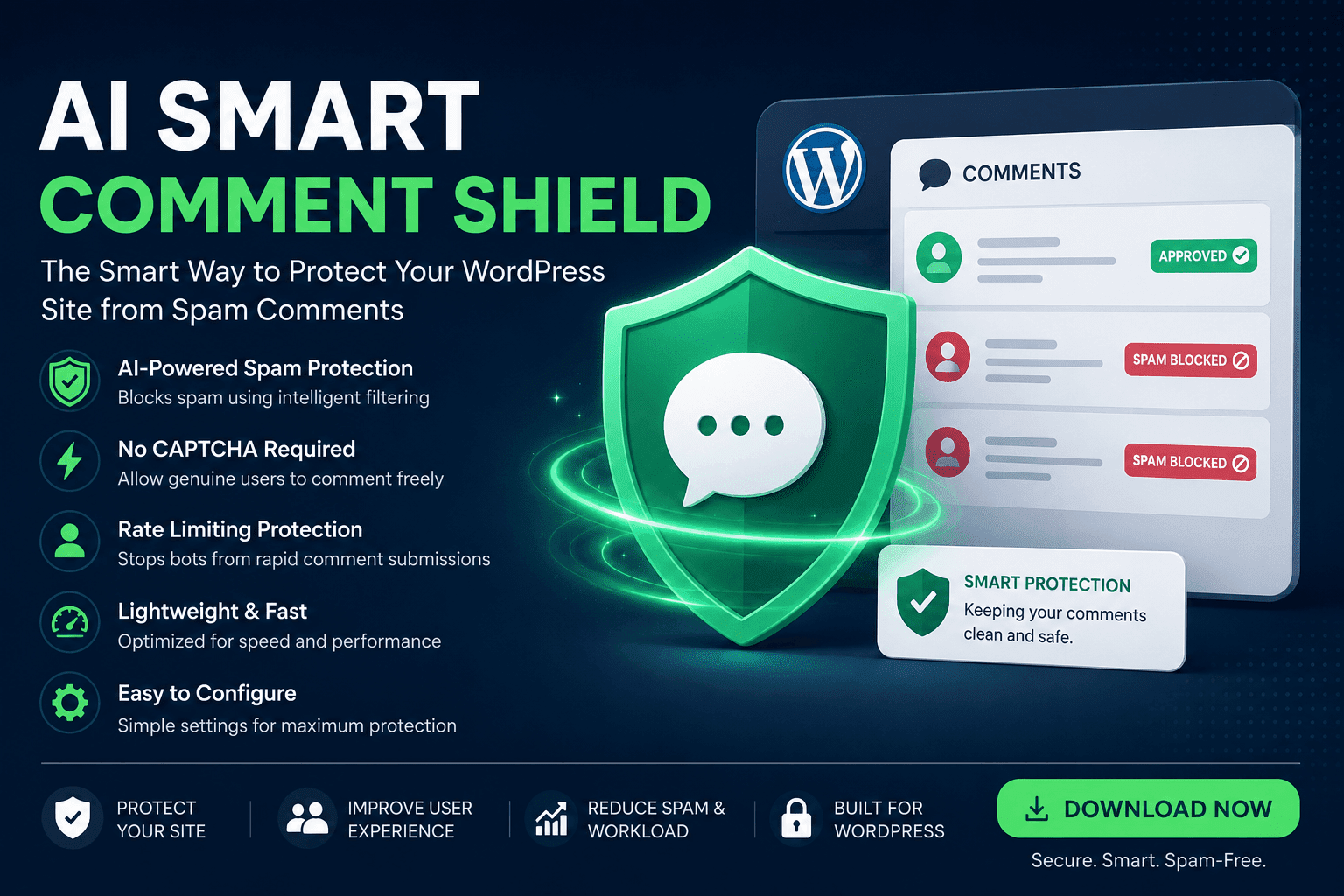 Anti-Spam
AI Smart Comment Shield Plugin
Stop comment spam on your WordPress website without frustrating CAPTCHAs. Integrates smart detection mechanisms to block spam bots seamlessly and silently.
Why Choose Our Plugins?
Clean code, robust performance, and simplified integration guidelines.
AI-Assisted Development
Generative AI helps code clean architecture and optimize logic structures before human code testing is performed.
Beginner Friendly
User-friendly default settings and intuitive dashboards mean configuration takes seconds.
Performance Optimized
Super lightweight logic with zero background tracking scripts to keep server execution times at record lows.
Security Focused
Hardened file headers, sanitization, and strict request nonces block SQL injections and cross-site scripting.
Easy Installation
Standard WordPress zip formatting ensures complete compatibility with standard uploads and updates.
Regular Updates
Fully maintained and constantly refined to align with WordPress security updates and PHP version shifts.
Plugin Categories
Easily discover focused plugins categorized by features and website utilities.
Easy Step-by-Step Installation
Get our lightweight plugins running on your WordPress site within minutes.
Download
Download the plugin’s installable .zip archive from the respective plugin landing page details.
Install
Upload the .zip file in your WordPress dashboard under Plugins → Add New → Upload Plugin.
Activate
Once uploaded, click the “Activate Plugin” button. The new dashboard menu will immediately appear.
Frequently Asked Questions
Everything you need to know about our free AI-assisted WordPress plugins.
Enhance Your Website Security & Speed
Explore AI-assisted plugins, practical tutorials, and useful guides created to help you get more from WordPress.