
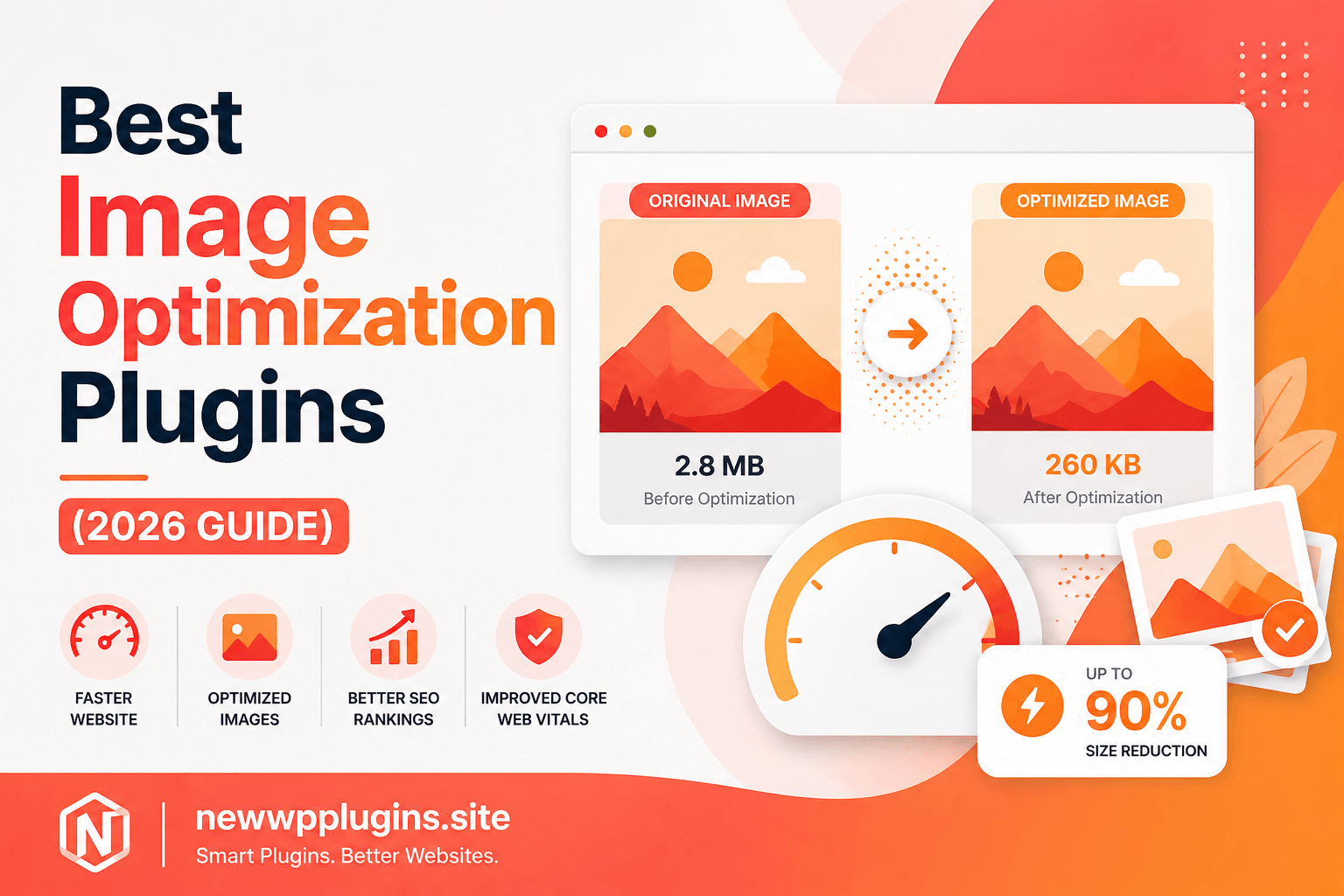
Best Image Optimization Plugins for WordPress (2026 Guide)
Images make WordPress websites more attractive, engaging, and professional. Whether you run a blog, affiliate website, portfolio, WooCommerce store, or business website, images help capture attention and improve user experience. However, there is one major problem many website owners overlook: unoptimized images are one of the biggest reasons WordPress websites become slow.
A beautiful website filled with large images may look impressive at first, but oversized image files can dramatically increase loading times, hurt Core Web Vitals, reduce SEO performance, and frustrate visitors. Many beginners spend hours optimizing content and installing cache plugins while forgetting that images often account for the largest percentage of page size.
In 2026, image optimization is no longer optional. Search engines increasingly prioritize fast-loading websites, and users expect pages to load almost instantly. Even a few large images can slow down an otherwise optimized website.
The good news is that WordPress image optimization plugins make this process extremely easy. Modern image optimization tools automatically compress images, convert them into modern formats like WEBP, and reduce file sizes without noticeably affecting visual quality.
In this complete guide, you’ll learn why image optimization matters, how it affects SEO and website speed, and the best image optimization plugins available for WordPress in 2026.
Why Image Optimization Is So Important
Every image uploaded to your WordPress website adds additional weight to the page. When visitors open a page, their browser must download every image before rendering the full experience.
Large image files create several problems:
- Slower page load times
- Poor Core Web Vitals scores
- Increased server bandwidth usage
- Higher bounce rates
- Worse mobile performance
- Reduced SEO potential
Many website owners unknowingly upload images directly from smartphones or cameras without compression. Modern cameras often produce files several megabytes in size, which is far larger than necessary for web usage.
Image optimization reduces file sizes while maintaining visual quality, allowing pages to load significantly faster.
How Image Optimization Helps SEO
Website speed has become one of the most important user experience factors in modern SEO.
Search engines want to rank websites that provide fast and smooth browsing experiences. Since images are often the heaviest elements on a page, optimizing them can significantly improve performance metrics.
Proper image optimization can help improve:
- Largest Contentful Paint (LCP)
- Core Web Vitals
- Mobile usability
- User engagement
- Crawl efficiency
- Overall website speed
This is why image optimization is closely connected with modern SEO strategies.
You may also find these guides useful:
- Core Web Vitals for WordPress – Improve LCP, CLS & INP
- LiteSpeed Cache Settings for WordPress (Fast Speed Guide)
- On-Page SEO Checklist for WordPress (2026)
Together, these optimizations can dramatically improve overall website performance.
ShortPixel – One of the Best Overall Solutions
One of the most popular image optimization plugins available today is ShortPixel.
ShortPixel focuses heavily on balancing image quality and compression efficiency. The plugin supports:
- JPEG compression
- PNG compression
- WEBP conversion
- AVIF support
- Bulk optimization
- Automatic optimization
One reason many website owners prefer ShortPixel is that it often achieves excellent file size reductions without creating noticeable visual quality loss.
For bloggers and affiliate websites that rely heavily on images, ShortPixel remains one of the strongest image optimization solutions available.
Imagify – Beginner-Friendly Optimization
Imagify has become increasingly popular because of its simplicity and user-friendly interface.
The plugin allows users to optimize images automatically during upload while also providing bulk optimization tools for existing media libraries.
Features include:
- Automatic image compression
- WEBP generation
- Bulk optimization
- Adjustable compression levels
- Easy dashboard interface
For beginners who want a straightforward setup without technical complexity, Imagify is often a great choice.
Smush – Popular Free Option
Smush remains one of the most widely installed WordPress image optimization plugins.
Many users appreciate Smush because it offers:
- Image compression
- Lazy loading
- Bulk optimization
- Image resizing
- Basic performance improvements
The free version works well for smaller websites, while premium versions unlock additional optimization features.
Because of its popularity and beginner-friendly design, Smush continues to be recommended frequently in WordPress communities.
EWWW Image Optimizer
EWWW Image Optimizer is another powerful solution for WordPress users who want greater control over optimization settings.
Unlike some cloud-based services, EWWW allows local image optimization directly on your server.
Features include:
- Lossless compression
- WEBP conversion
- Bulk optimization
- Local processing options
- Automatic image optimization
Advanced users often appreciate the additional flexibility EWWW provides.
Optimole – Cloud-Based Optimization
Optimole takes a different approach by focusing on cloud-based image delivery and optimization.
Instead of simply compressing images, Optimole also helps serve images dynamically based on visitor devices and screen sizes.
Benefits include:
- Cloud-based image optimization
- Responsive image delivery
- Lazy loading
- CDN integration
- Real-time image scaling
For websites with international audiences, Optimole can provide significant performance improvements.
Why WEBP Images Matter in 2026
Modern image formats have become increasingly important for performance optimization.
WEBP images usually provide significantly smaller file sizes compared to traditional JPEG and PNG formats while maintaining excellent visual quality.
Many image optimization plugins now automatically generate WEBP versions and serve them to supported browsers.
Using WEBP images can noticeably improve:
- Loading speed
- Core Web Vitals
- Mobile performance
- SEO performance
Because browser support is now widespread, WEBP has become one of the easiest performance improvements available.
Screenshot Suggestion
Insert screenshot:
- WordPress media library showing optimized images
- WEBP conversion settings
Suggested caption:
Automatic image optimization and WEBP conversion inside WordPress
Lazy Loading Improves Performance Further
Lazy loading delays image loading until users scroll near them.
Instead of loading every image immediately, the browser loads images only when needed.
This approach improves:
- Initial page load speed
- Core Web Vitals
- Mobile performance
- User experience
Most modern optimization plugins now include built-in lazy loading features.
Common Image Optimization Mistakes
Many WordPress users unknowingly make mistakes that reduce optimization effectiveness.
One common mistake is uploading oversized images without resizing them first.
Another issue is using PNG files unnecessarily when JPEG or WEBP would provide much smaller file sizes.
Many website owners also forget to optimize old images already stored in their media library.
Ignoring mobile performance is another frequent mistake because mobile users often experience slower connections and smaller screens.
Image optimization should be treated as an ongoing process rather than a one-time task.
Combining Image Optimization With Cache Plugins
Image optimization works best when combined with proper caching.
While image optimization reduces file sizes, cache plugins improve delivery speed.
For best results, combine image optimization with:
- LiteSpeed Cache
- WP Rocket
- FlyingPress
- W3 Total Cache
This combination often produces dramatic improvements in website performance.
You may also read:
- Best Cache Plugins for WordPress (2026 Guide)
- LiteSpeed Cache Settings for WordPress (Fast Speed Guide)
Which Plugin Should You Choose?
Choosing the right plugin depends largely on your website requirements.
If you want excellent compression quality, ShortPixel remains one of the strongest overall choices.
If you want simplicity, Imagify provides a beginner-friendly experience.
If you prefer a free solution, Smush remains highly popular.
If you want greater control, EWWW Image Optimizer is worth considering.
If you prefer cloud-based optimization and delivery, Optimole offers unique advantages.
The most important step is choosing a reliable solution and optimizing images consistently.
Frequently Asked Questions
Do image optimization plugins improve SEO?
Yes. Faster-loading images help improve website speed, Core Web Vitals, and user experience, which can positively impact SEO performance.
Is WEBP better than JPEG?
In most cases, yes. WEBP usually provides smaller file sizes while maintaining excellent visual quality.
Can image optimization reduce image quality?
Good optimization plugins balance compression and visual quality carefully. Most users will not notice any significant quality difference.
Should I optimize old images too?
Yes. Optimizing existing media library images can significantly improve performance across older posts and pages.
Helpful Resources
Google PageSpeed Insights:
Google Search Central:
TinyPNG:
Cloudflare:
You may also find these guides useful:
- Core Web Vitals for WordPress – Improve LCP, CLS & INP
- Best Cache Plugins for WordPress (2026 Guide)
- LiteSpeed Cache Settings for WordPress (Fast Speed Guide)
- On-Page SEO Checklist for WordPress (2026)
- Best WordPress Backup Plugins (2026 Guide)
Conclusion
Image optimization is one of the easiest and most effective ways to improve WordPress website performance in 2026. Since images often represent the largest portion of page size, reducing their weight can significantly improve loading speed, Core Web Vitals, SEO performance, and overall user experience.
Whether you choose ShortPixel, Imagify, Smush, EWWW Image Optimizer, or Optimole, implementing proper image optimization can create noticeable improvements across your entire website.
Combined with caching, Core Web Vitals optimization, and strong SEO practices, image optimization helps build a faster, more professional, and more competitive WordPress website.